Features
Everything you need to bring a CANopen® servo drive up on the bus, from the first scan to a moving axis.
01 · Network
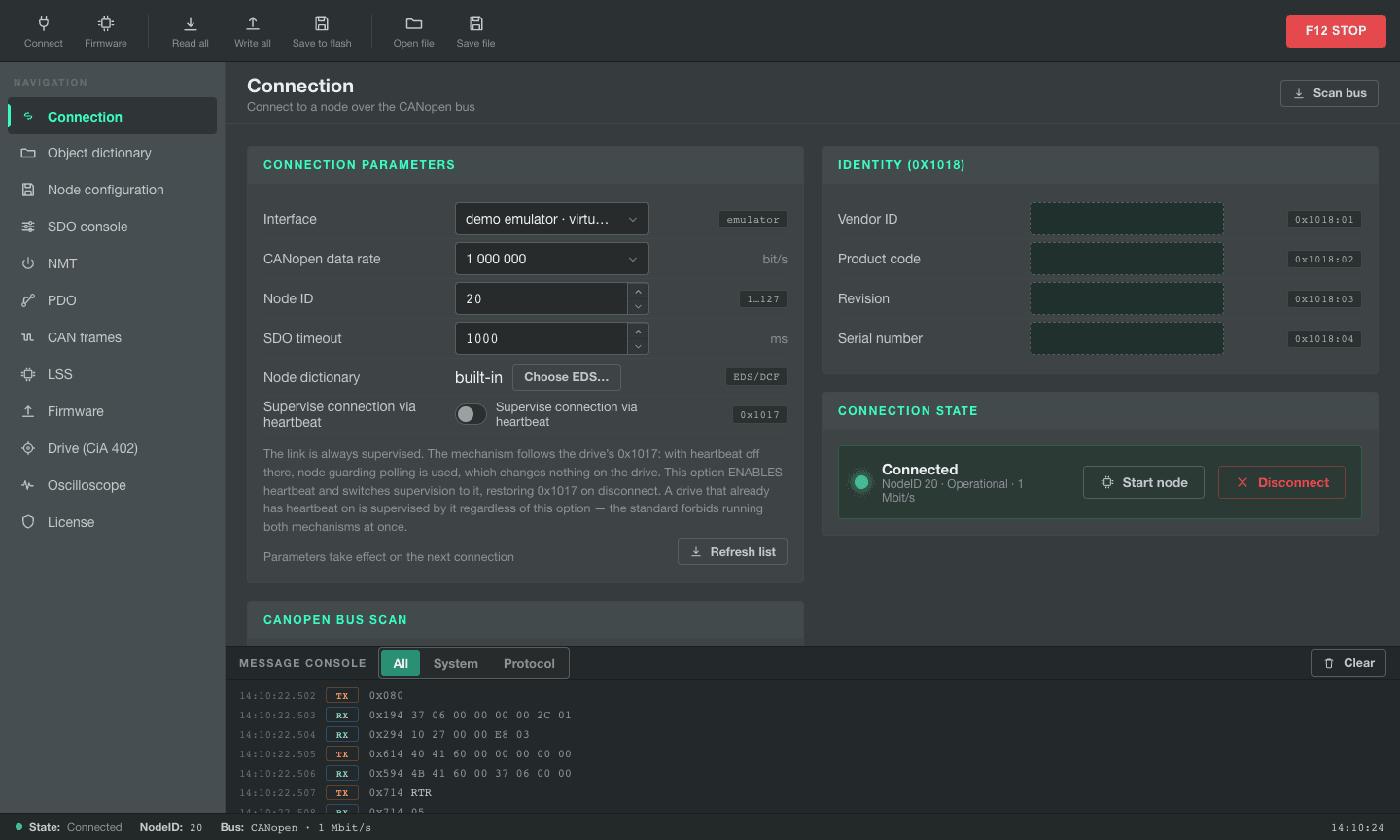
Bus scan and NMT
Scan the bus and see which nodes answer. Start, stop, reset or switch nodes to pre-operational one by one or all at once. The link is supervised by node guarding or heartbeat, and a lost node is reported in the message console.
02 · Object dictionary
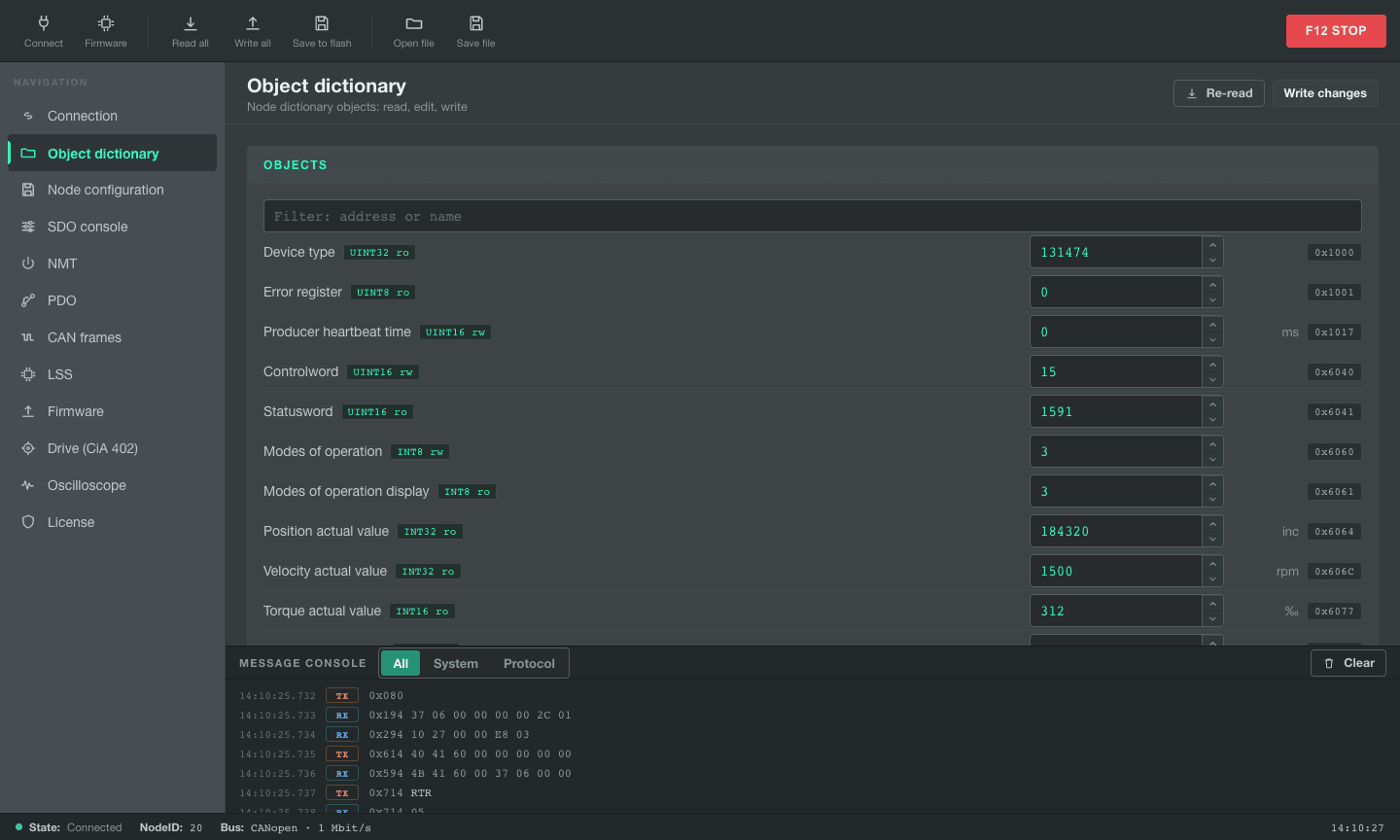
Read and write objects from the EDS file
Load the device's EDS file and work with objects by name. Types, access rights and units come from the file, and values are checked against the range before they are written. The SDO console reads and writes any index and subindex.
03 · CiA 402
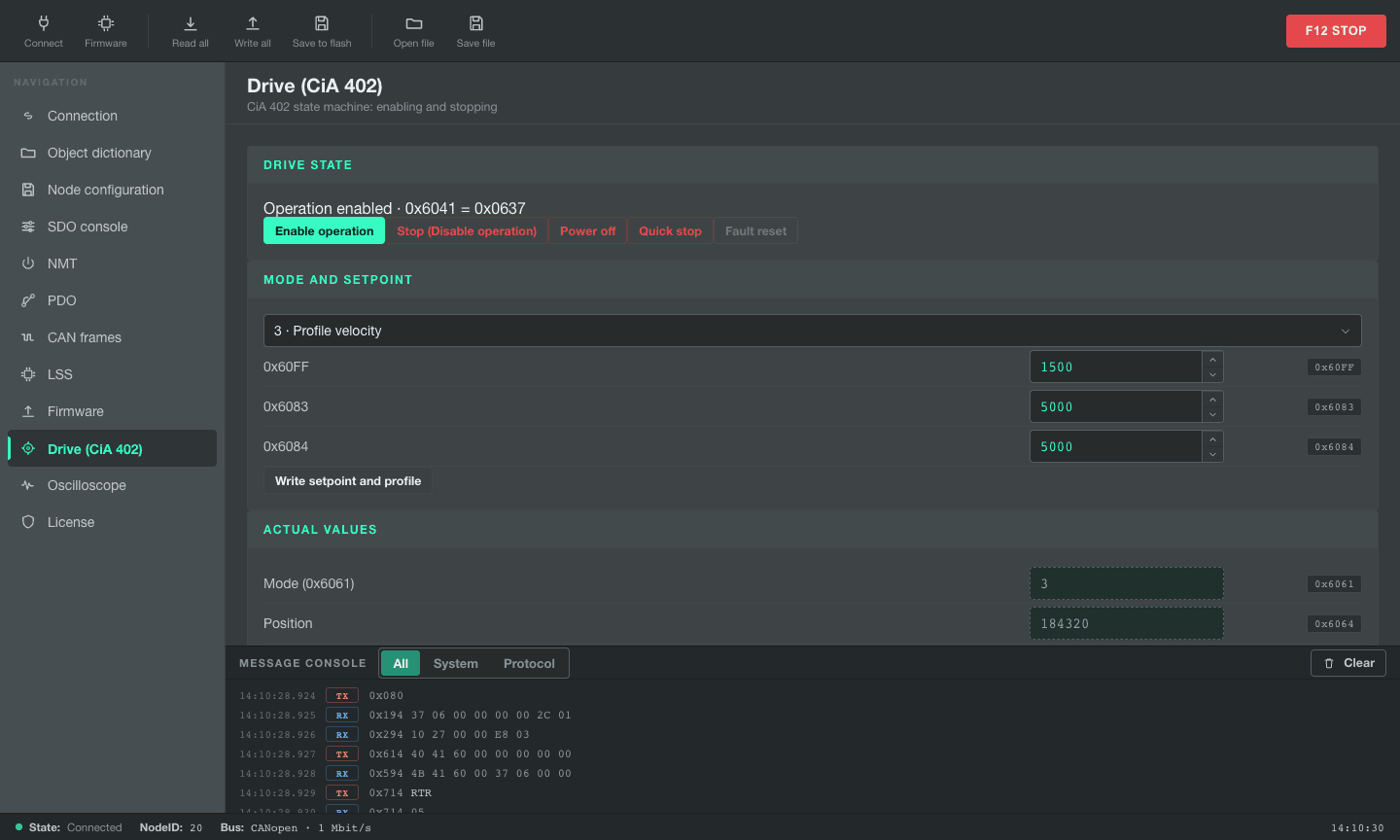
Drive commissioning
See the drive state decoded from the statusword. Enable operation, disable it, power off, quick stop and reset faults. Choose a mode of operation the drive supports, then write the setpoint and the profile.
04 · Oscilloscope
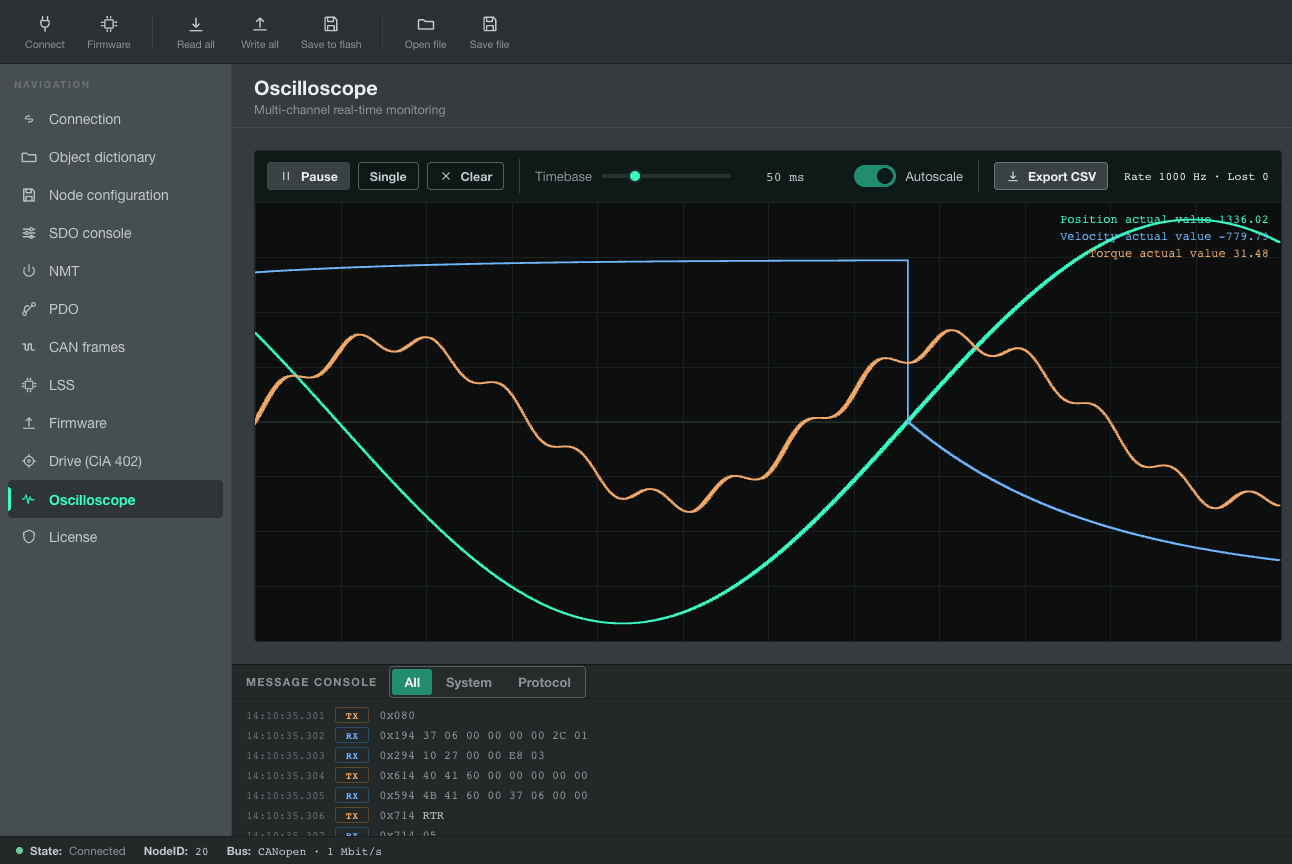
Live PDO data on four channels
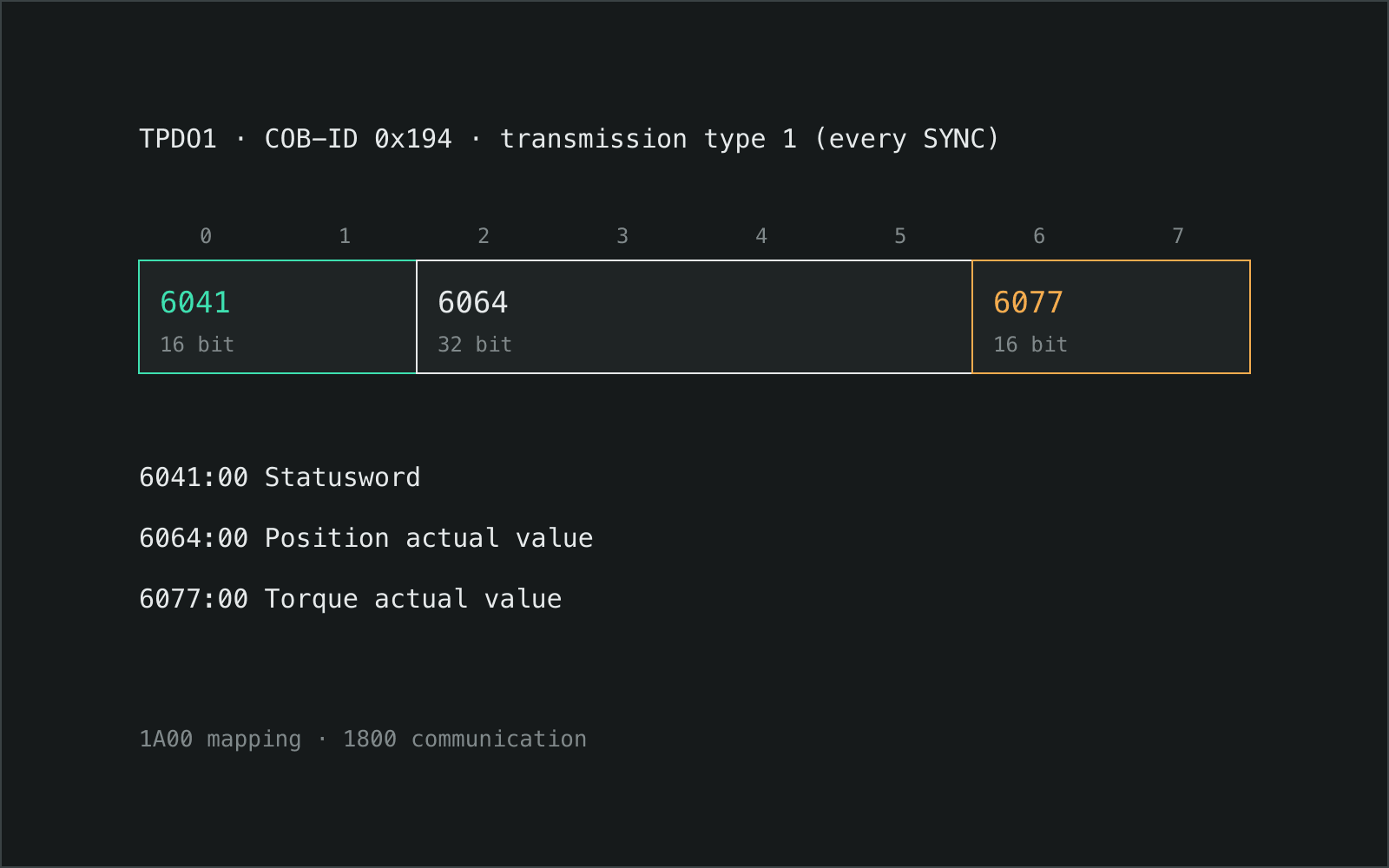
Pick any TPDO-mappable object and plot it in real time, four channels on Pro and Enterprise, one on the free license. Auto, normal and single trigger, adjustable timebase, autoscale and CSV export. Lost frames are counted and shown, never hidden.
05 · NMT & errors
SYNC, node errors and the NMT journal
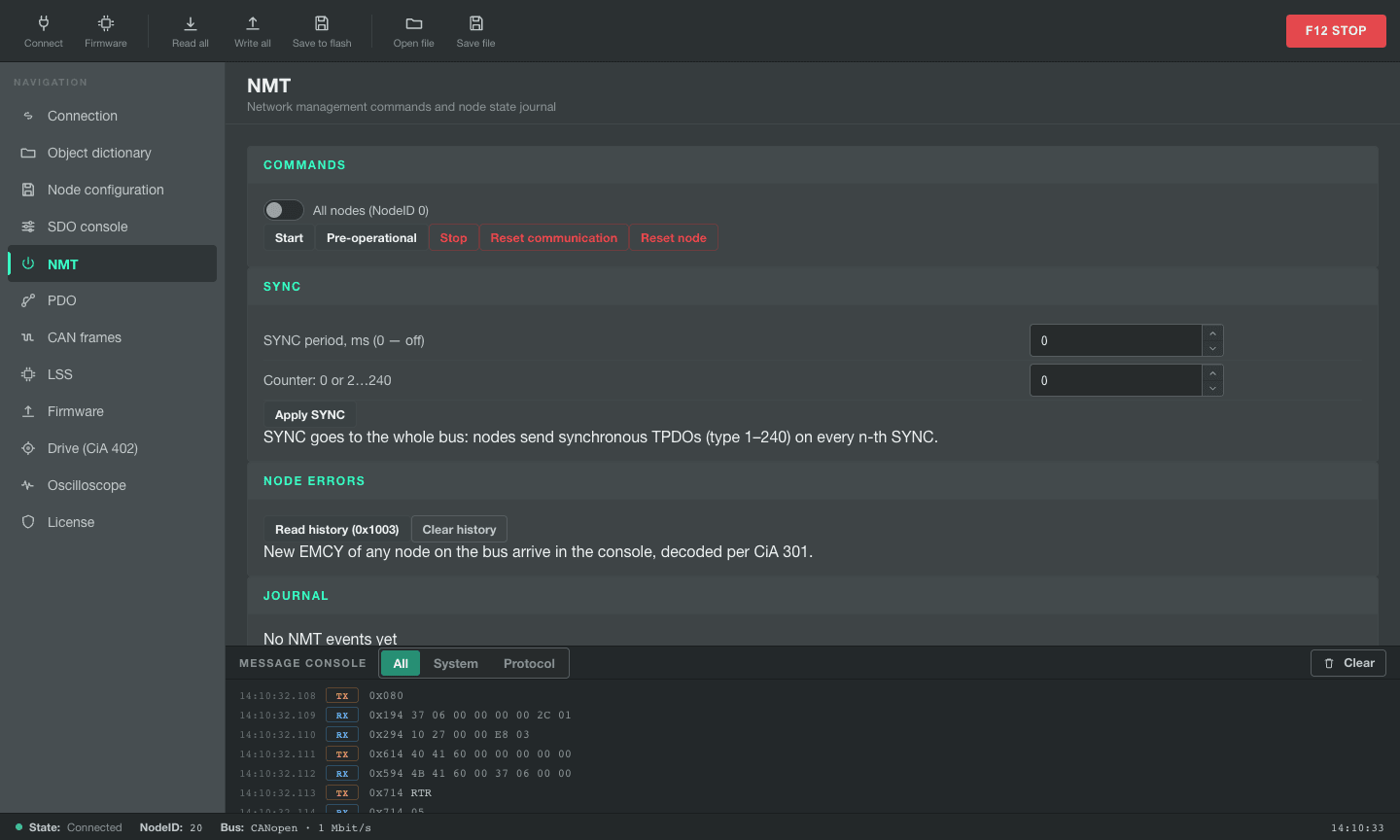
Send NMT commands to one node or to the whole bus, run SYNC, read the error history (0x1003). Emergency messages from any node arrive in the console, decoded per CiA 301.
Every frame, decoded
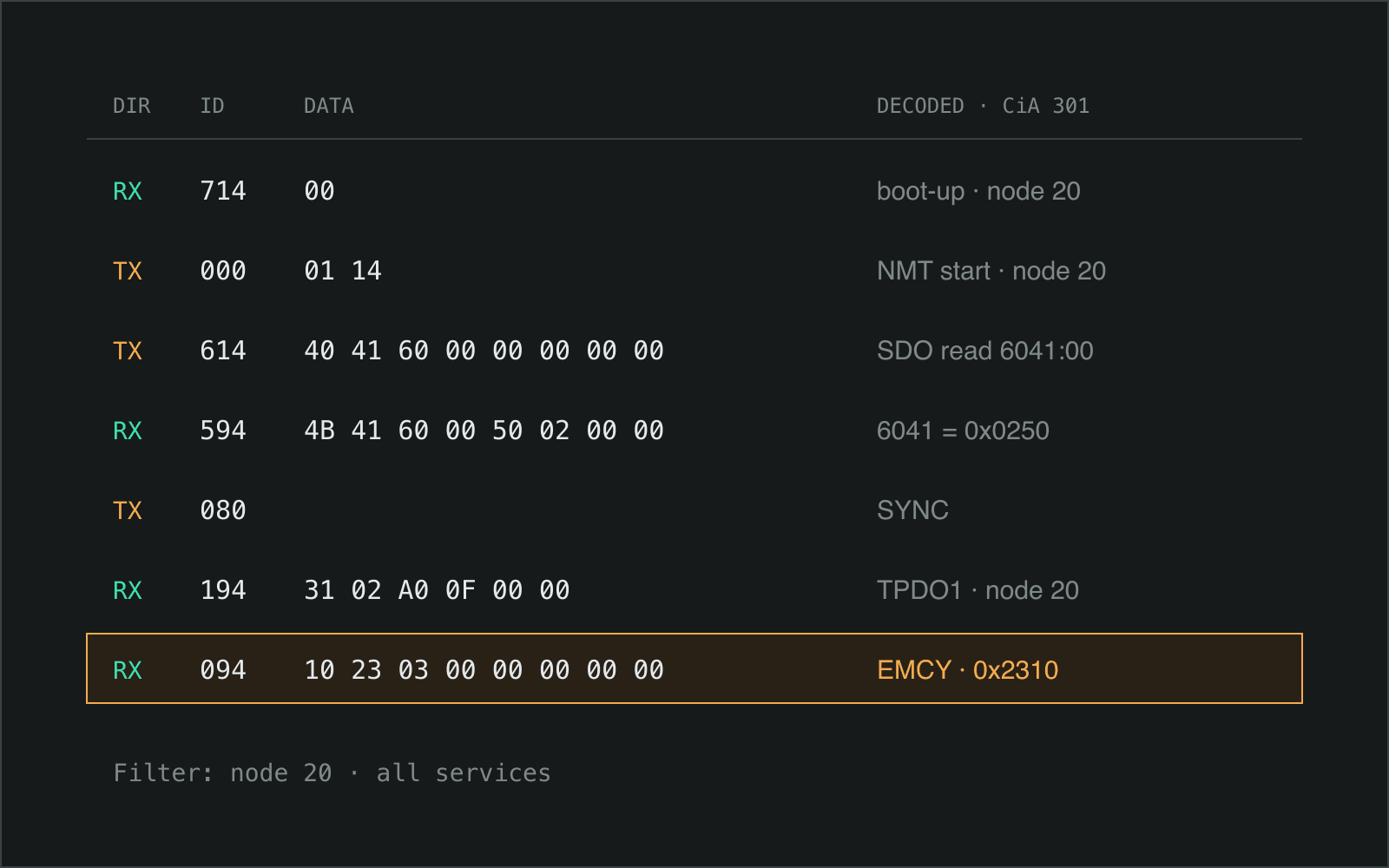
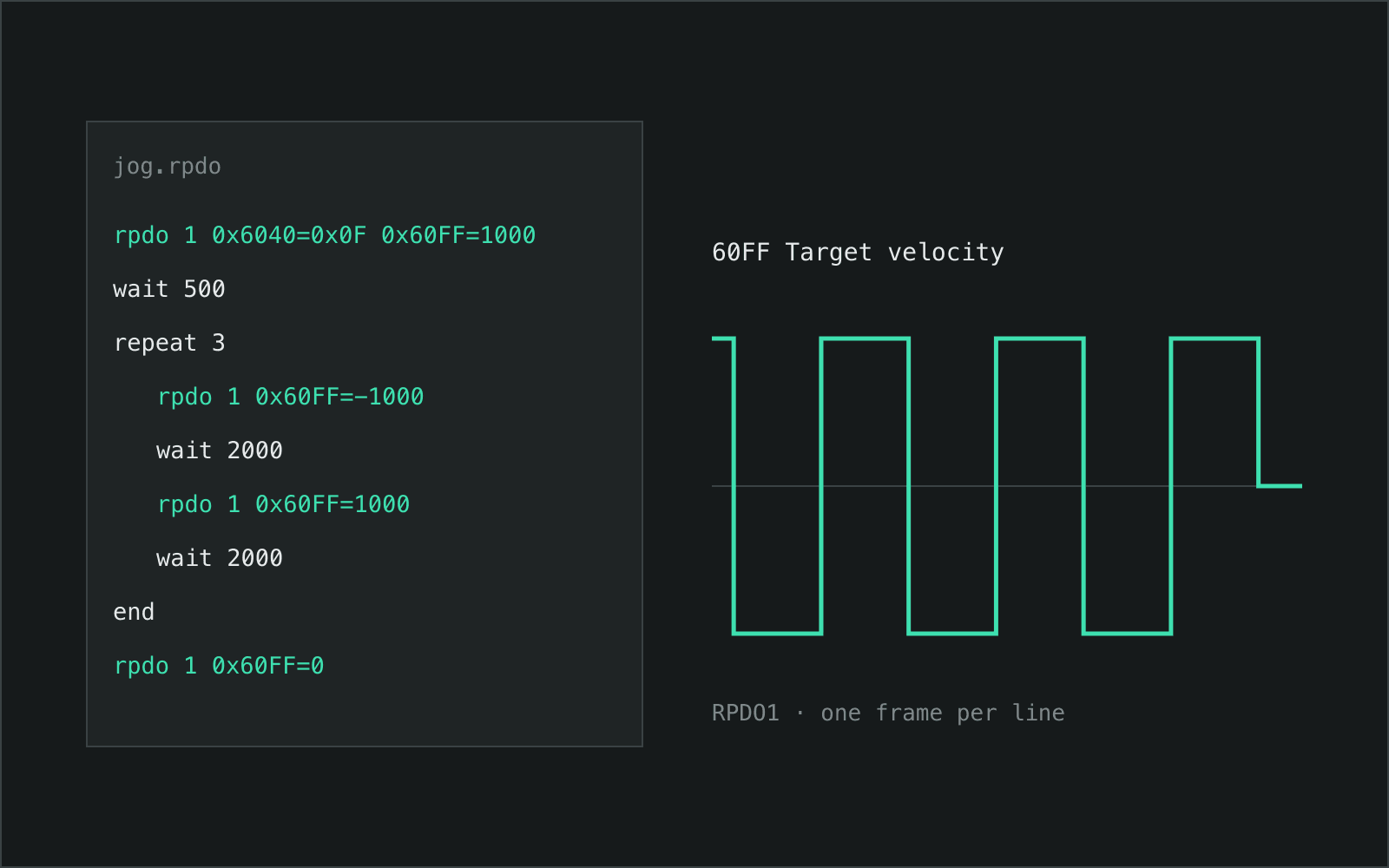
The CAN frames screen traces the bus with CiA 301 decoding: NMT, SYNC, EMCY, SDO, PDO and heartbeat. Filter by service, node or text, save a trace and open it later. Send any frame once or periodically, or drive RPDO sequences from a short script with waits, SYNC and loops.
The rest of the toolbox.
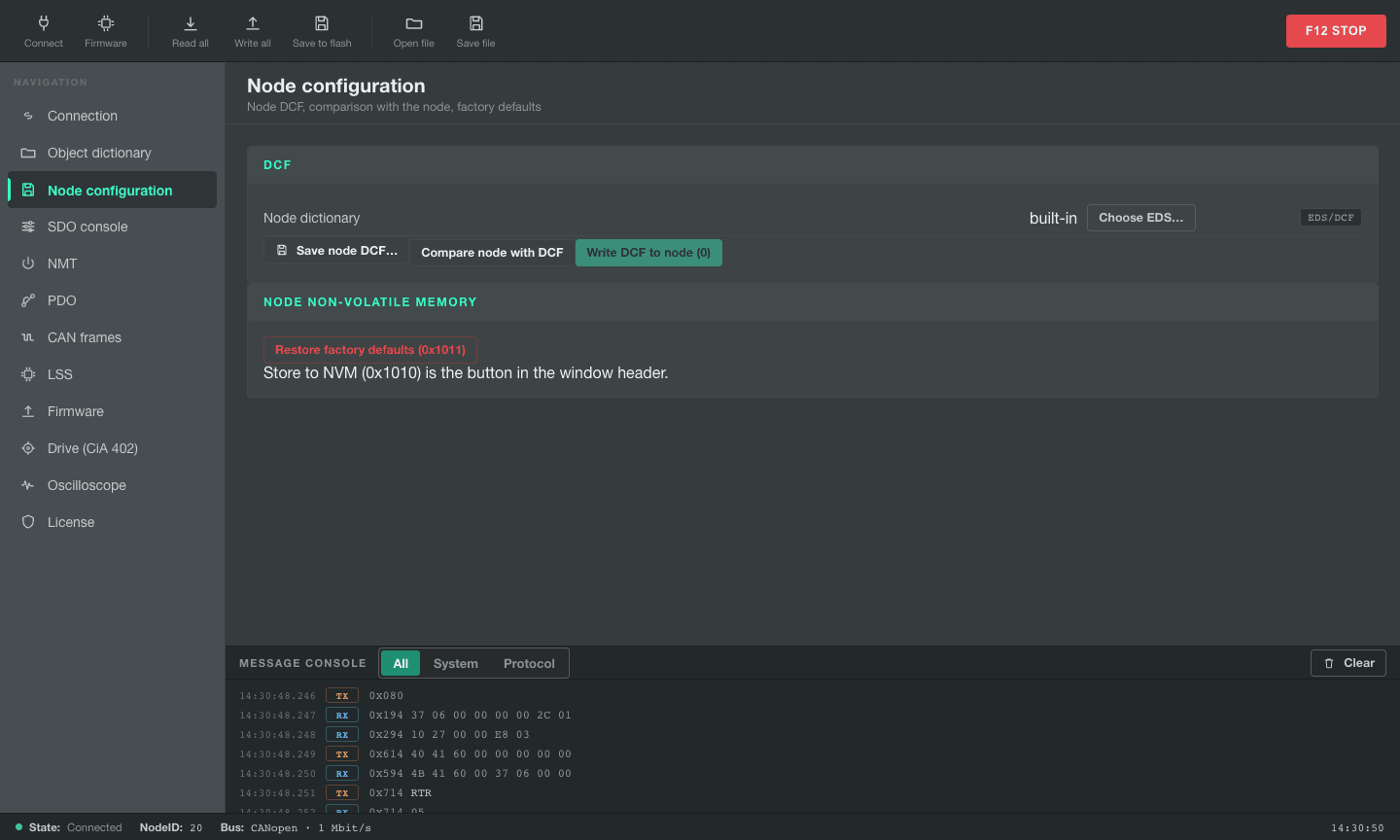
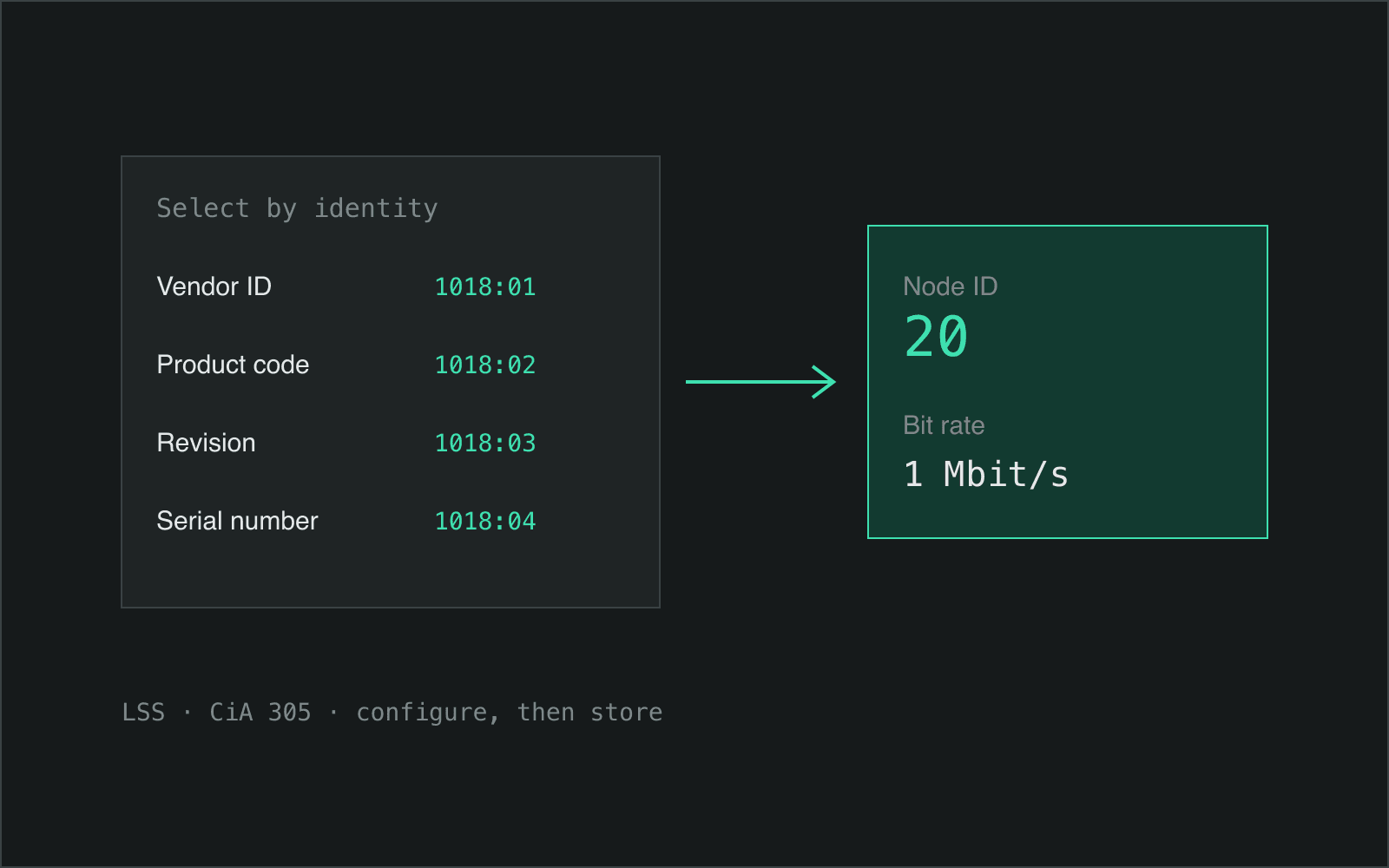
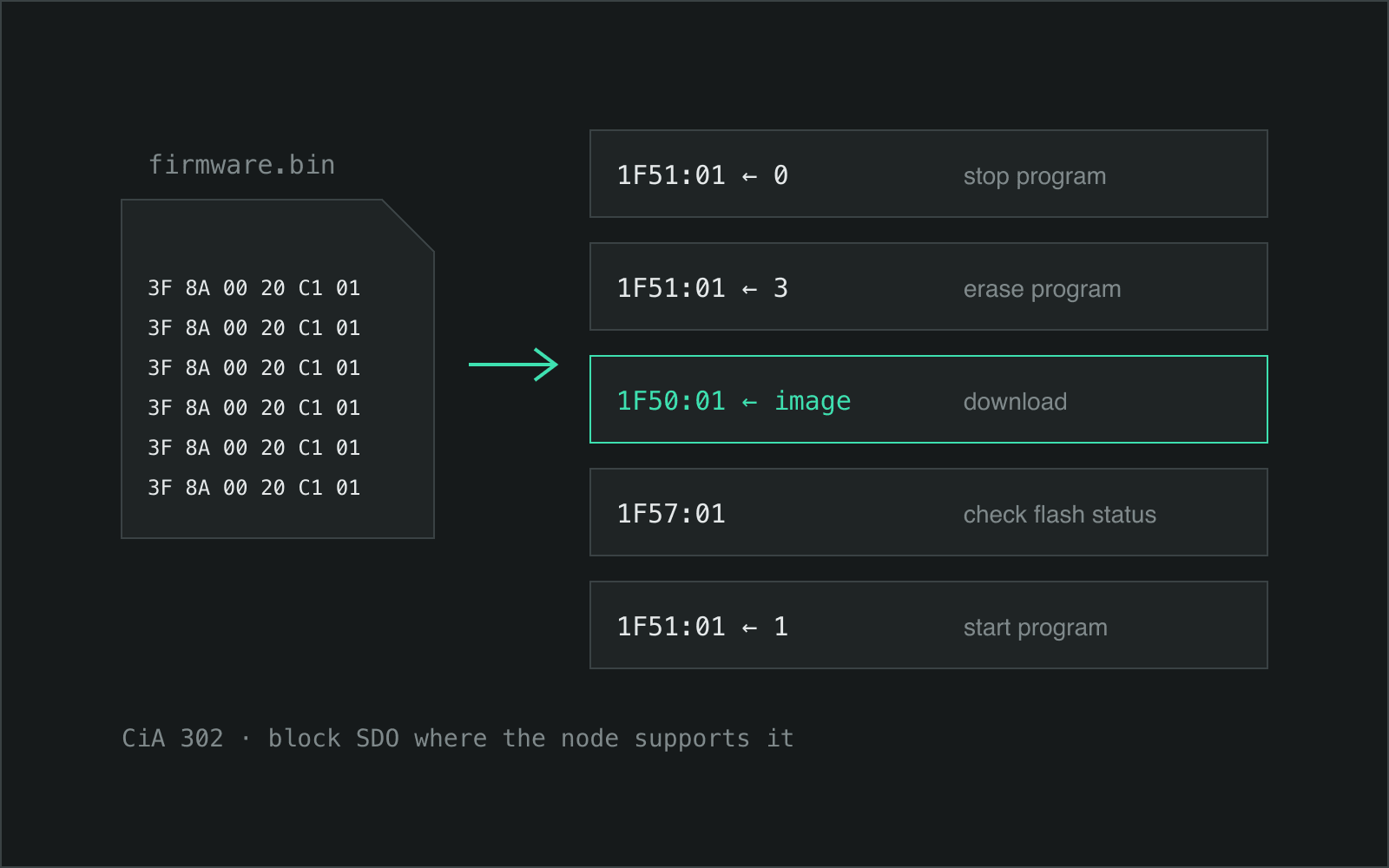
The rest of the toolbox.
Free or Pro?
Every screen works on the free license; DCF export and write need Pro, and the free oscilloscope plots one channel. Pro is for work: commercial use, more nodes, configuration files, and, coming soon, software slave and master nodes. Enterprise adds unlimited nodes, several computers per key and payment by invoice: contact sales.
| License | Free | Pro |
|---|---|---|
| Every screen and the emulator (DCF export/write with Pro) | ||
| Nodes per session | up to 2 | up to 8 |
| Oscilloscope channels | 1 | 4 |
| Computers per key | 1 | 1 |
| Commercial use | ||
| DCF export and write to the node | ||
| Software slave and master nodes | — | coming soon |
| EMCY, drive state and stop commands | ||
| Price | no charge | €99, once |
See it on your own bus
Download the app and get a free license in a minute.